Fixing an AI video?Why burn more tokens?
We get it. The AI made your video, and one small fix means prompting again, waiting again, and a new version that moves the parts you liked. Unrender turns the video your AI made into a project you can open in CapCut, Premiere Pro or DaVinci Resolve.
Project
- Captions and titles16 text tracks
- Graphics5 layers
- Scenes7 clips
- Narration1 track
- Music1 track
- Sound effects8 clips
25 tracks in all. Every frame matched the original render.
0:20.5 / 0:43.0
Text
- Font
- DM Sans Bold, 60
- Colour
- FFFFFF E5484D
- Time
- 0:20.0 to 0:21.0
The transcript heard “Silly Host”. Fix the name here.
You know this loop
It came out great, apart from one small thing that’s wrong. So it’s a new prompt and a full render, then a look at every scene to see what else moved. Such a waste.
Ask your agent. Get a project.
Connect the MCP and say it the way you'd say it to a person. Unrender reads the HyperFrames project on your computer and hands back a project for your editor, about 80% of the way there, with every track where you'd expect it.
- Works from Claude Code, Codex or any agent that can run a command
- Reads the project you already have and never changes it
- Lands in your editor's project list, ready to open
You: Open the SillyHost promo in CapCut
Opened in CapCut
SillyHost promo 43 s
1080 × 1920 · 30 fps
- 25 tracks
- 16 text tracks
- Every frame matched
You: Where did the music go?
Agent: On its own track, under the narration. The 8 sound effects have theirs.
Every part on its own layer.
Captions and titles come back as text in your fonts. Anything that can't be text comes back as a transparent picture, in the same order, so you can still move it, trim it or delete it.
- Fonts, line breaks, colours and word highlights about 80% true to the original
- Charts and effects as video layers with transparency
- Narration, music and sound effects on separate tracks

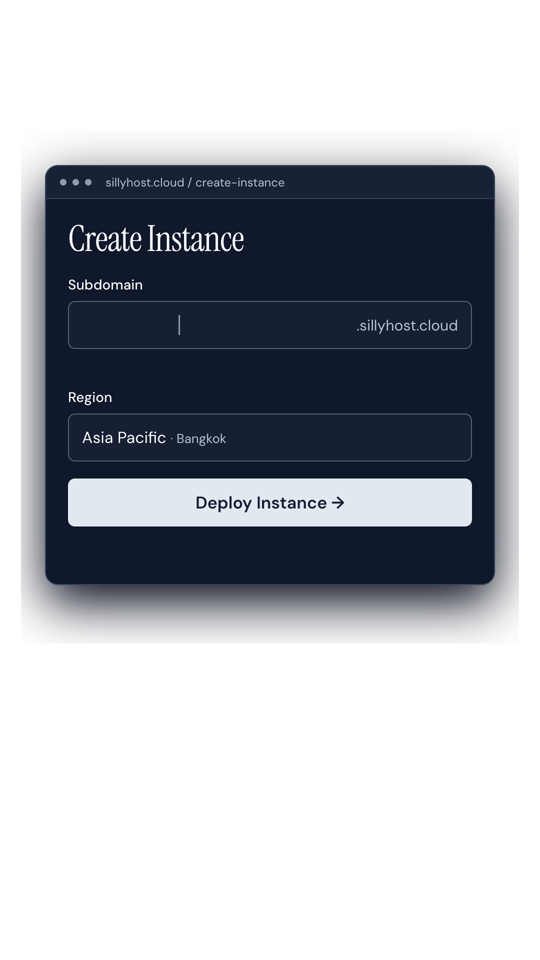

SillyHost
On SillyHost,
Checked against the original.
Every conversion stacks its layers back together and compares them with your video, frame by frame. You see the score before you open the project.
- The seconds that differ, if any, listed by time
- What came back as a picture, and why
- Nothing dropped without a warning in the project
7 of 8 matched on every frame
We tried it on our own videos: converted to CapCut projects and compared with each one’s render.
| Video | Match |
|---|---|
| SillyHost promoMotion graphics, 43 s | 0.997 |
| SEO explainerTwo-layer UI, Thai captions | 0.990 |
| SEO explainer, revised50 Thai captions | 0.990 |
| Beach vlogFootage with Thai titles | 0.987 |
| Night vlog25 shots, 3 titles | 0.982 |
| Night vlog, cut 218 clips, 1 title | 0.981 |
| Night vlog, cut 318 clips, 1 title | 0.981 |
| Trailer built by a scriptNo project file to read | Cut footage, with a warning |
Join before it opens
Everyone on the waitlist gets the Early Bird price, and keeps it after launch.
Early Bird price
For everyone on the list: cheaper than at launch, and yours for as long as you keep using it.
- Kept after launch, every time you buy credits
- Pay per minute of video you convert, in credits on the site
- CapCut for Mac first; Premiere Pro and DaVinci Resolve next
- Your two answers decide which editor we support next
Questions
Does my footage leave my computer?
Not when your agent does the converting. It runs on your machine, where the project and its media already are, and only an account check goes over the network. The web upload, for people without an agent, keeps the project on our server, and you can delete it any time.
Does it change my HyperFrames project?
No. Unrender reads the project and renders from a linked copy in a temporary folder. Your folder stays exactly as it was.
What comes back as text, and what as a picture?
Captions and titles come back as text, in your fonts, with the same line breaks, colours and entrances. Charts, UI mockups, counters and letter-by-letter effects come back as transparent video layers in the right stacking order, so you can still move, trim or delete them. Each project lists which is which.
How do I know it matches my video?
Every conversion stacks its layers back together and compares them with your render, frame by frame. You see the score and the seconds that differ before you open the project. As a rough guide, about 80% of conversions match.
Which editors does it work with?
CapCut for Mac, tested on version 9.5.7. Premiere Pro and DaVinci Resolve projects are in testing. Unrender isn’t affiliated with ByteDance, Adobe or Blackmagic Design.
Can I use Remotion, Codex or plain FFmpeg?
For now we’re starting with HyperFrames, made with any agent, Codex included. Remotion and FFmpeg scripts come later. Tell us what you use when you join, and that decides what comes first.
What will it cost?
Credits per minute of video. Prices are set before launch, and everyone on the waitlist gets the founding price, kept after launch.
Unrender
Turn AI-made videos into CapCut, Premiere Pro or DaVinci Resolve projects, without re-prompting every time.
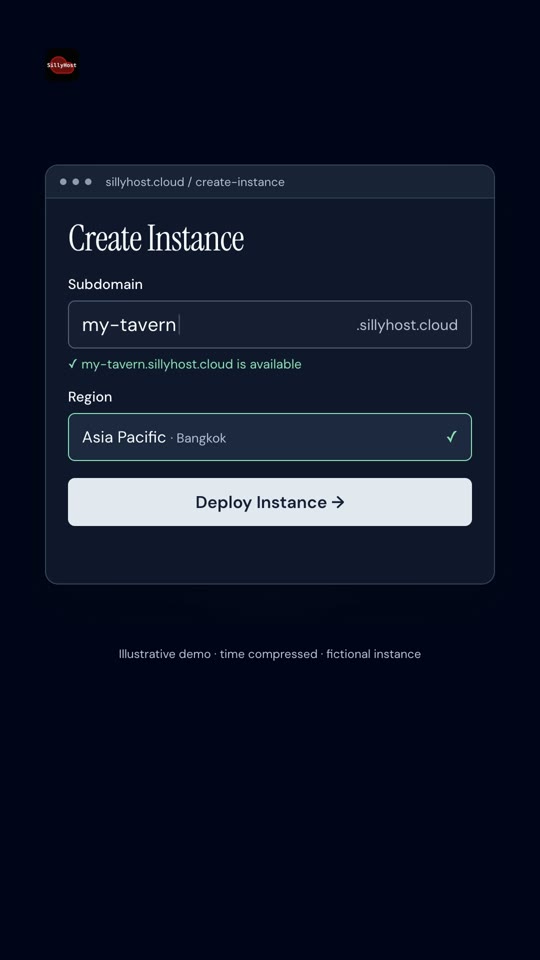
SillyHost
pick your region,